OpenAI discontinued the Sora web and mobile apps on April 26, 2026, and the API on September 24, 2026. The official discontinuation notice confirms these dates. This article does not attribute that decision to unverified revenue, user counts, or GPU costs.
A few years ago, a short typed prompt producing a plausible video shot felt like a shoot day compressed into a loading bar. When OpenAI previewed Sora in February 2024 as a text-to-video system capable of generating up to a minute of high-fidelity video, many teams did the natural thing: they put AI video on the roadmap. Ads, lessons, product demos, social clips — everything looked like it was about to get faster and cheaper at once.
That excitement was understandable, and it is also where most teams went wrong. They bought the subscription first and looked for the use case later. The better order turns out to be the reverse, and it is the thread this article follows: start from one real job, test one short clip end-to-end, and let the measured time, cost, and control decide whether a tool earns a place in your workflow.
Why this story still matters for your work
The useful lesson of Sora is not whether one product lived or died. It is that AI video makes three practical questions impossible to ignore: cost, wait time, and control. Everything else — model names, demo reels, market commentary — is secondary until those three check out for your job.
If you make ads, lessons, product demos, or social clips, judge every tool on those three first. A tool that renders beautifully but unpredictably will wreck a deadline. A cheap plan can still be expensive when failed renders consume the credits you need. And a generator that cannot hold a character, a style, or a camera move across shots can cost more editing time than it saves in shooting time.
The reliable way to evaluate a tool is to pick one narrow use case, learn its failure modes, and build a repeatable brief. The checklist below is designed to make that discipline easy to follow.
What we can verify, and what we cannot
We can verify from OpenAI's February 2024 technical report that Sora was described as a diffusion transformer capable of generating up to a minute of high-fidelity video. We can also see that this article previously published cost, user, and performance figures without primary citations. That is the honest starting point, and it is why this revision exists.
OpenAI announced the API deprecation on March 24, 2026; its deprecation register lists September 24 as the removal date and gives no recommended replacement. Those operational dates are verifiable. The cited sources do not establish the earlier article’s specific cost, active-user, revenue, or GPU figures. We removed them rather than treating an estimate as the reason for the shutdown.
We have also removed two analyst quotes previously shown here without source links, and we do not repeat competitor revenue, user, or market-size claims for the same reason. If you need numbers for a business case, ask the vendor for a dated price page and a trial invoice. That is the only figure that matters for your budget, because it is the only one tied to your usage.
For a buying decision, each factual point should be traceable to a source you can open and check. When a source is unavailable, this article says so beside the claim instead of burying the uncertainty.
A practical way to compare AI video tools
Forget showreel comparisons. Use one 10-second test that matches your real job: the same script, the same aspect ratio, the same delivery requirement. A storyboard draft and a client-ready spot are different jobs with different bars — define which one you are testing before you render anything.
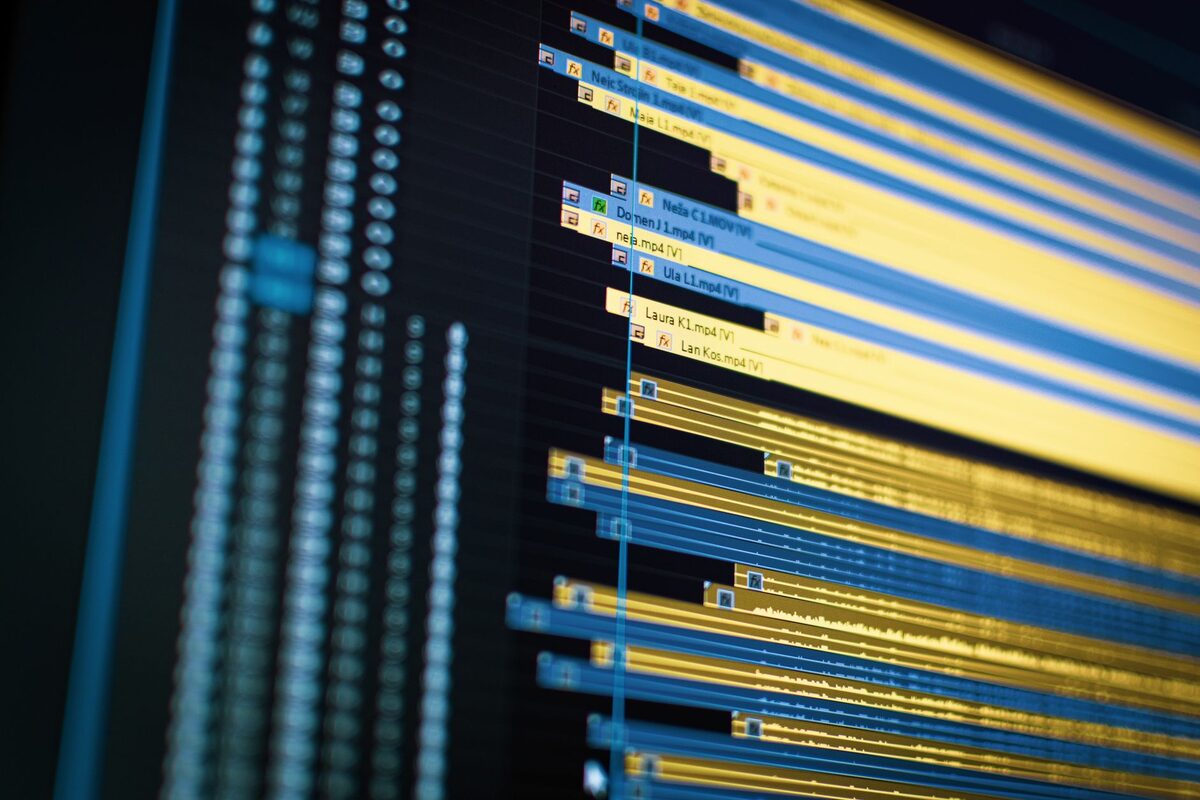
Time the full loop on a real timeline, retries included. Photo by Vito Goričan on Pexels.
- Define done. Is this for draft storyboarding or client delivery? Drafts tolerate artifacts, flicker, and approximate continuity; delivery does not. Write the acceptance bar down before you start, in one sentence.
- Time the full loop. Measure prompt to usable file, including retries, upscales, and exports — not the advertised generation time. The number that matters is how long your evening actually gets.
- Price the usable minute. Divide what you paid by minutes you would actually publish. Include failed renders and re-rolls. A plan that looks cheap per generation can be expensive per publishable minute.
- Check control. Can you lock character, style, camera move, and length? Can you fix one shot without regenerating everything? If every revision means starting over, the tool owns your schedule.
- Check rights and compliance. Confirm commercial use, data retention, and where files are processed — especially if you handle client or sensitive material. Get this in writing from the vendor's current terms, not from a blog summary.
- Check exit. Can you export masters and switch providers without losing your library? A tool that holds your files hostage is a liability no discount fixes.
Keep notes on one page: tool, settings, time, cost, and whether the clip cleared your bar. If a tool cannot produce one usable clip in two tries within your budget, pause before buying a larger plan. That single page of notes is your buying decision — more reliable than any headline about the market.
When AI video is worth it — and when it is not
Worth testing now: short hooks, variations of one hero shot, b-roll for explainers, storyboards that replace a location scout, localized versions of an ad you already own. These share a shape — short, self-contained, and forgiving of small imperfections. A six-second hook that either works or does not is an ideal first experiment.
Often not worth forcing yet: long dialogue scenes, a precise brand character held across episodes, legal-sensitive testimonials, work that needs frame-accurate continuity. For those, the current failure modes — drifting faces, morphing logos, warped hands — land exactly where your quality bar is highest. Use AI for pre-visualization and finish in your normal editor. You will save more time than forcing full generation, and the edit stays yours.
Notice the discipline in both lists: one narrow use case at a time. The moment you ask a single tool to be your storyboard artist, your spokesperson, and your brand guardian in the same week, you have stopped evaluating and started hoping.
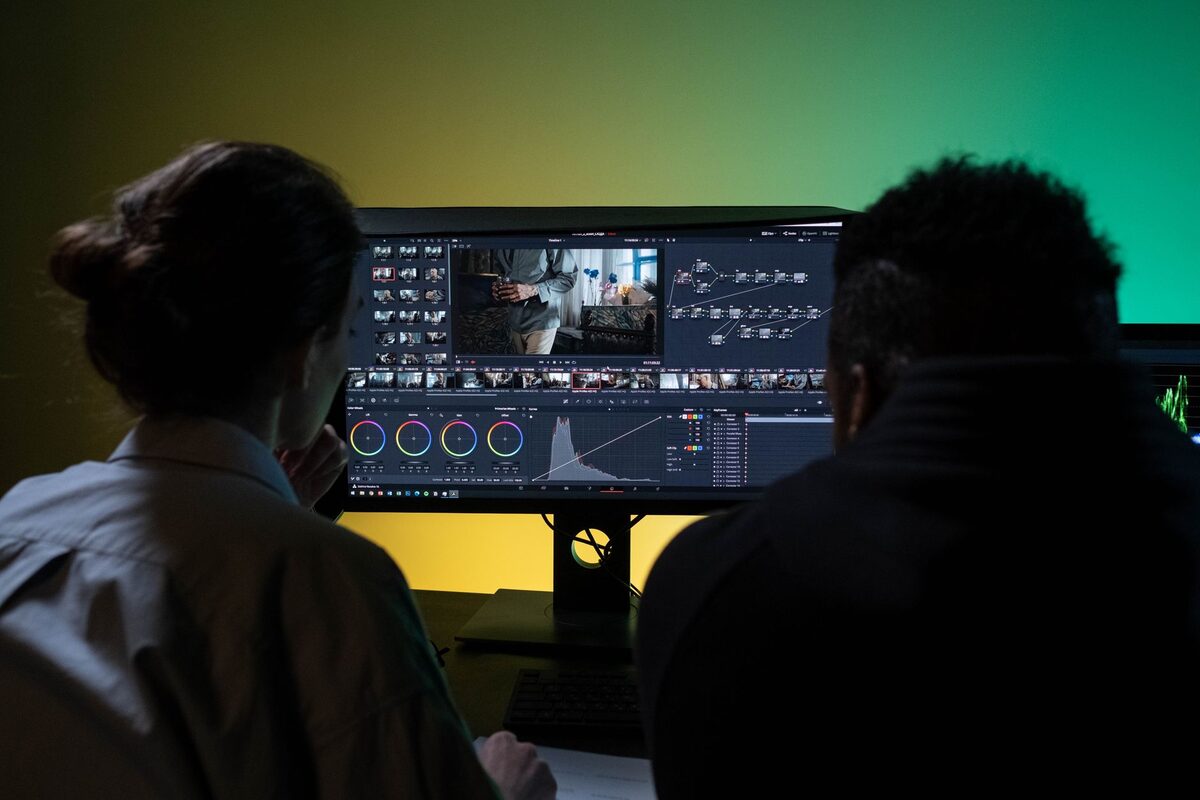
Review the test with the people who own the quality bar before committing to a plan. Photo by Ron Lach on Pexels.
Prompt starter you can reuse
Copy this into your prompt library and adapt the bracketed part:
10-second product clip, locked tripod wide shot, soft daylight from left, neutral background, one [OBJECT] centered, slow push-in, no text, no watermark, no extra fingers/hands, 16:9, 24fps. Deliverable: one clean loopable take. Reject if: flicker, morphing logo, warped hands.
Run it twice on the same tool. Keep the better take and record time, cost, and settings alongside it. Save the winner in the prompt library as a reusable video-brief system, so the next test starts from evidence instead of a blank page. That small record — two runs, one decision — compounds into an institutional memory of what each tool actually does for your work.
What to do next on TakeAICourse
If you want execution help, open the prompt library and build that reusable video-brief system from the starter above. If you prefer company first, the guide hub lays out the curated path before you spend anything — open it before membership so you buy only what fits the job you need to complete. And when the job calls for structured learning, continue with Learn AI in 30 Days or AI Essentials: ChatGPT, Gemini, and Claude in 7 Lessons. The full course catalog is there when a guided sequence is what the work actually needs.
The market will keep renaming the tools. Your checklist, your timed test, and your saved briefs carry over regardless — that is the durable asset this whole exercise builds.
Sources and limits